Live Translation
Bring more languages into every session. Attendees choose from the enabled event languages, then read translated captions or listen to translated audio on their own devices.
For conference organizers and production teams
Connect more people to every session with live captions, translation, assistive listening, overflow access and session reCaps™.
Volo is a service provided by Blaze Streaming Media.
See how it works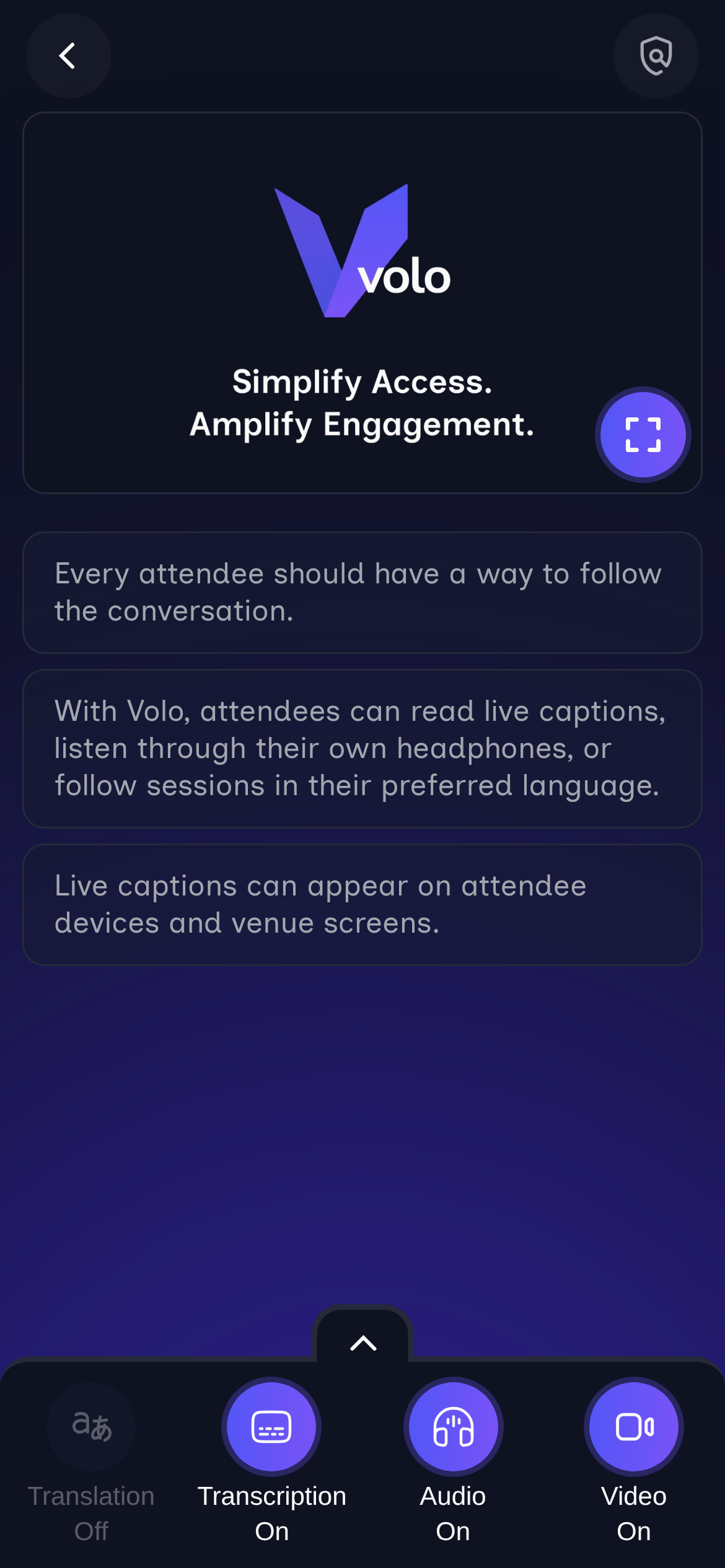
English · source caption
Every attendee should have a way to follow the conversation.
Japanese日本語
参加者全員が会話の流れを追える手段を持つべきである。
SpanishEspañol
Todos los asistentes deberían contar con una forma de seguir la conversación.
Mandarin简体中文
每位与会者都应该有办法跟上对话。
Bring more languages into every session. Attendees choose from the enabled event languages, then read translated captions or listen to translated audio on their own devices.
Make sessions easier to hear and follow, with live captions on attendee devices or venue screens and clear session audio through attendees’ own headphones.
Extend a full room without opening another one. Give attendees live audio, presentation slides and video on their own devices, with captions and translation in the same interface.
Carry the ideas beyond the session with summaries, transcripts and key takeaways. Branded session links make it easy for attendees to revisit and share what they learned.
Play the whole demo, or choose a step to explore.
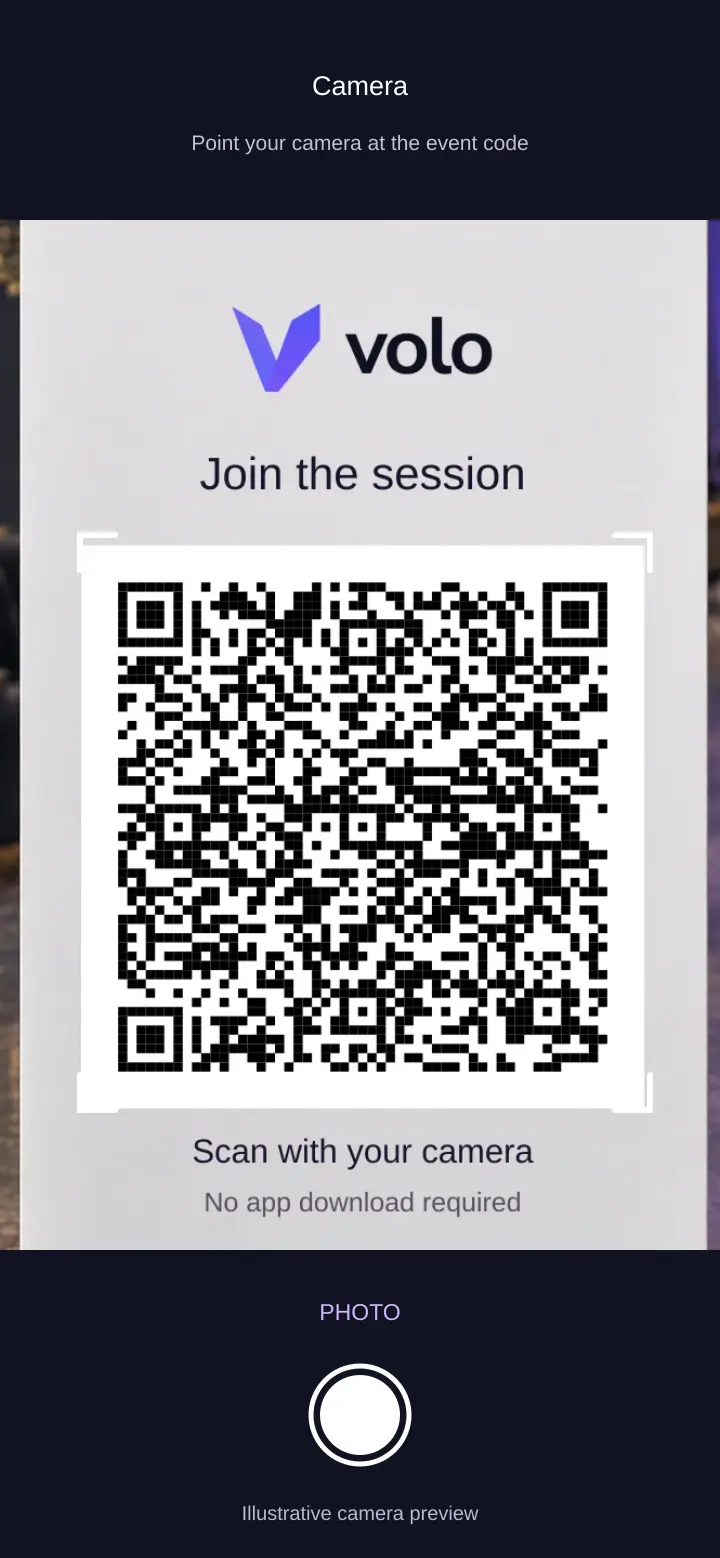
Scan the event QR code, open the link and choose your language before joining. No app download required. We’ll choose Japanese for this example.
Play demo runs the full walkthrough from the current step. Selecting a step plays that example. Pause whenever you need, or use Next to skip ahead. Timing is edited for clarity and pauses when you leave the page or scroll away. The camera view is an illustration using generated sign artwork; it does not use your camera or open a live session. The product examples combine real Volo recordings and stills. The bilingual sequence keeps Translation On to reflect joining in Japanese. Overflow Anywhere™ uses an illustrative light slide within the recorded session. Both edits preserve time to read. The reCap™ is an illustrative document based on the demo script. This preview is silent: listening shows the controls, not audio quality.
SAMPLE SESSION
From finding the room to taking the next step.
Make it easy to find the session, follow the conversation, and leave with one useful next step.
“At the end, make the next step specific. For example, review the directions to one session before your next event.”
Illustrative summary of the Volo Demo script.
Conference content in more languages
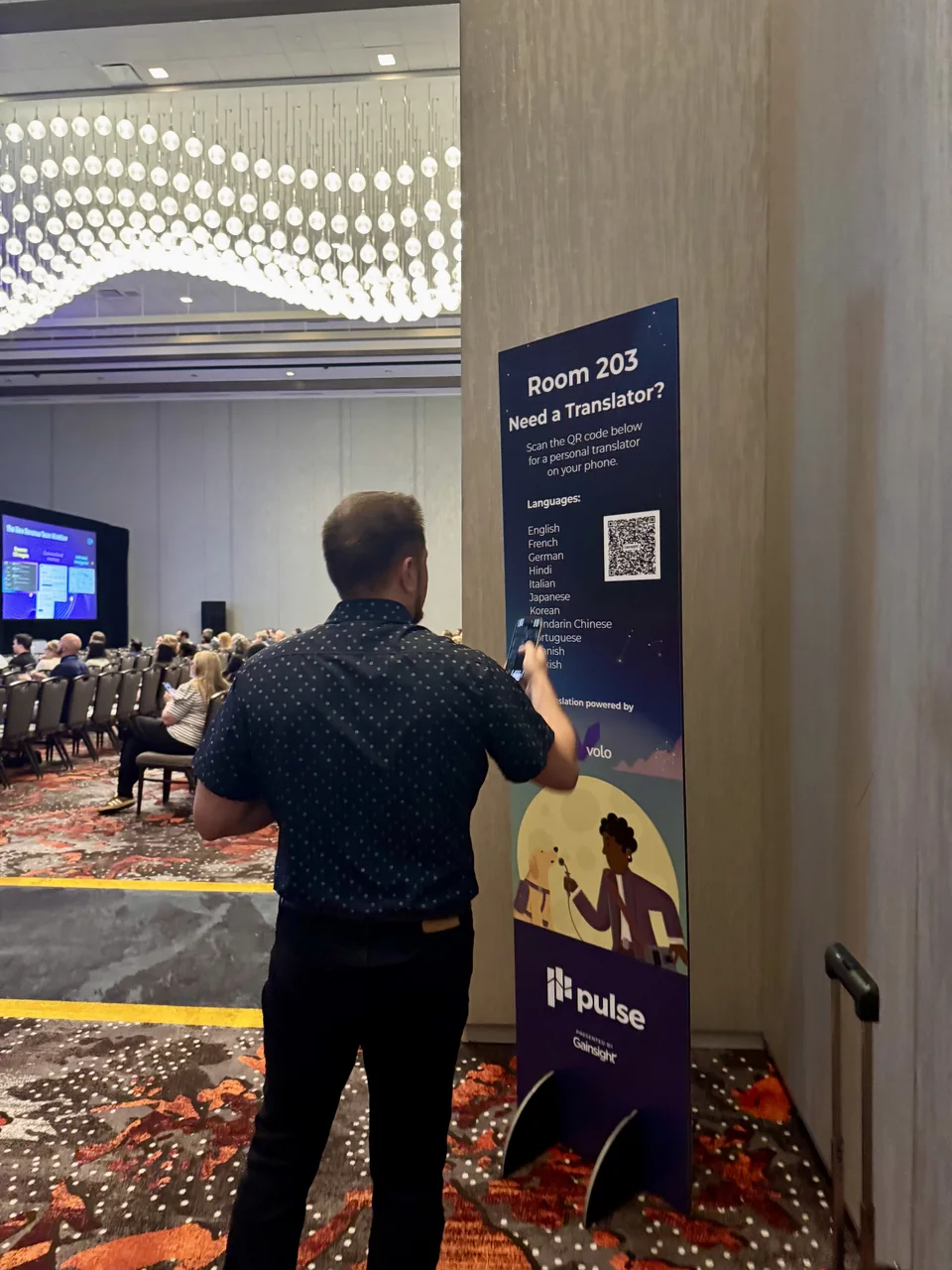
At Gainsight Pulse, Blaze combined its Volo live-translation service with recording and post-event delivery, helping onsite and remote attendees follow conference content in their preferred language.
Gainsight Pulse · scan to follow in your preferred language.
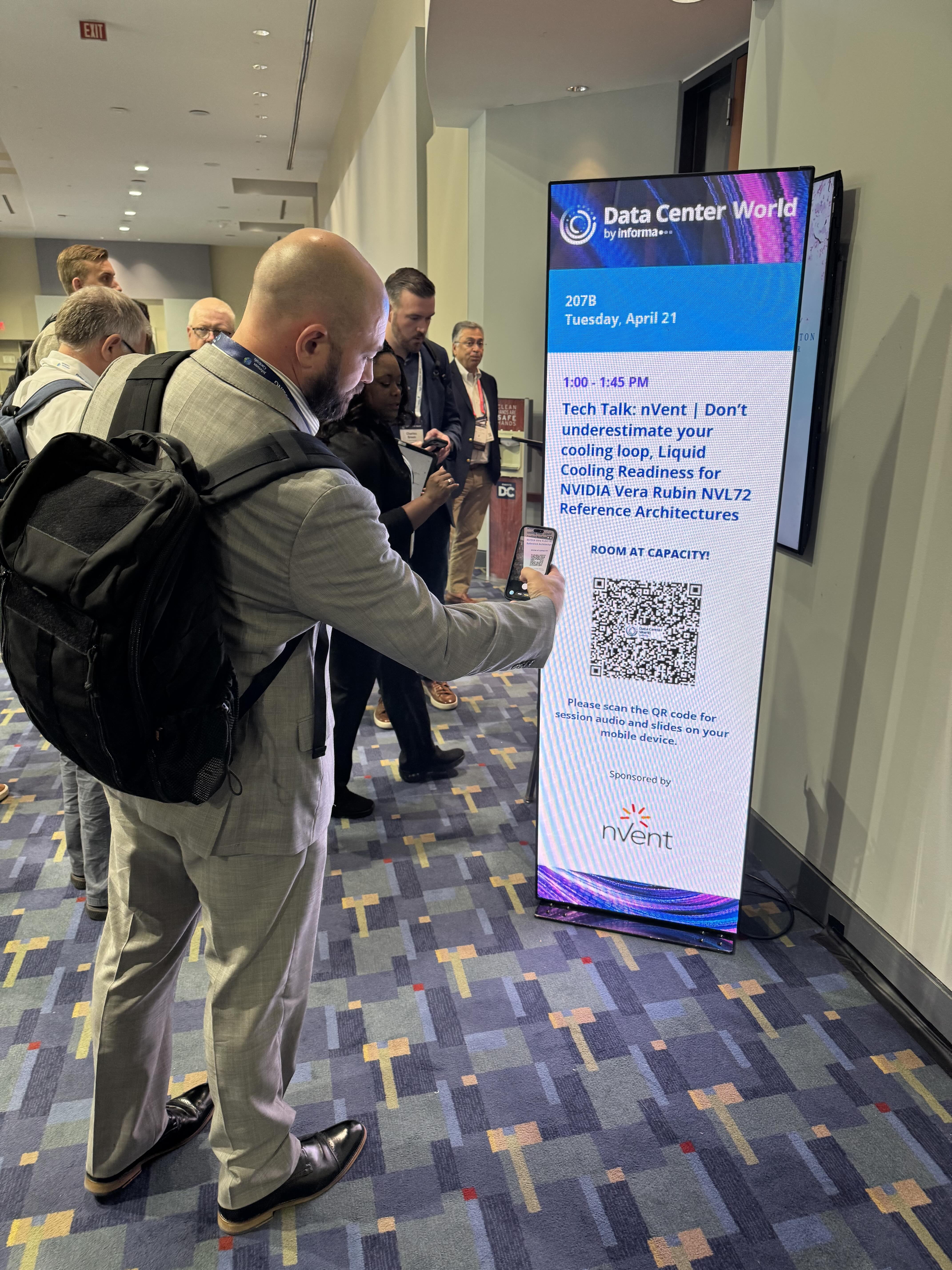
Access beyond full rooms
At Data Center World, Blaze used Volo to extend session access beyond full rooms, with live captions, translation and assistive listening on attendees’ own devices.
Data Center World · access beyond the session room
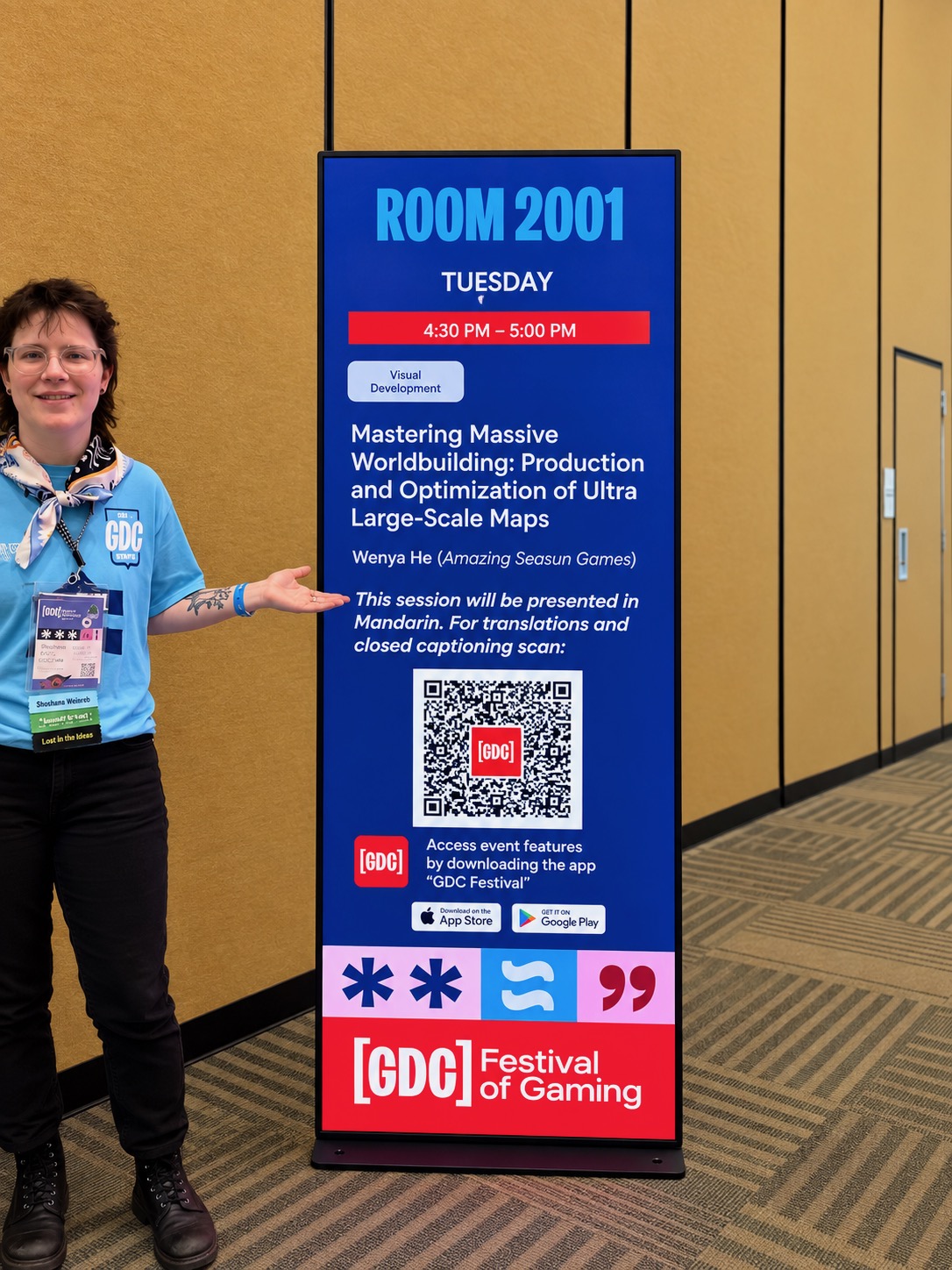
Live access and multilingual delivery
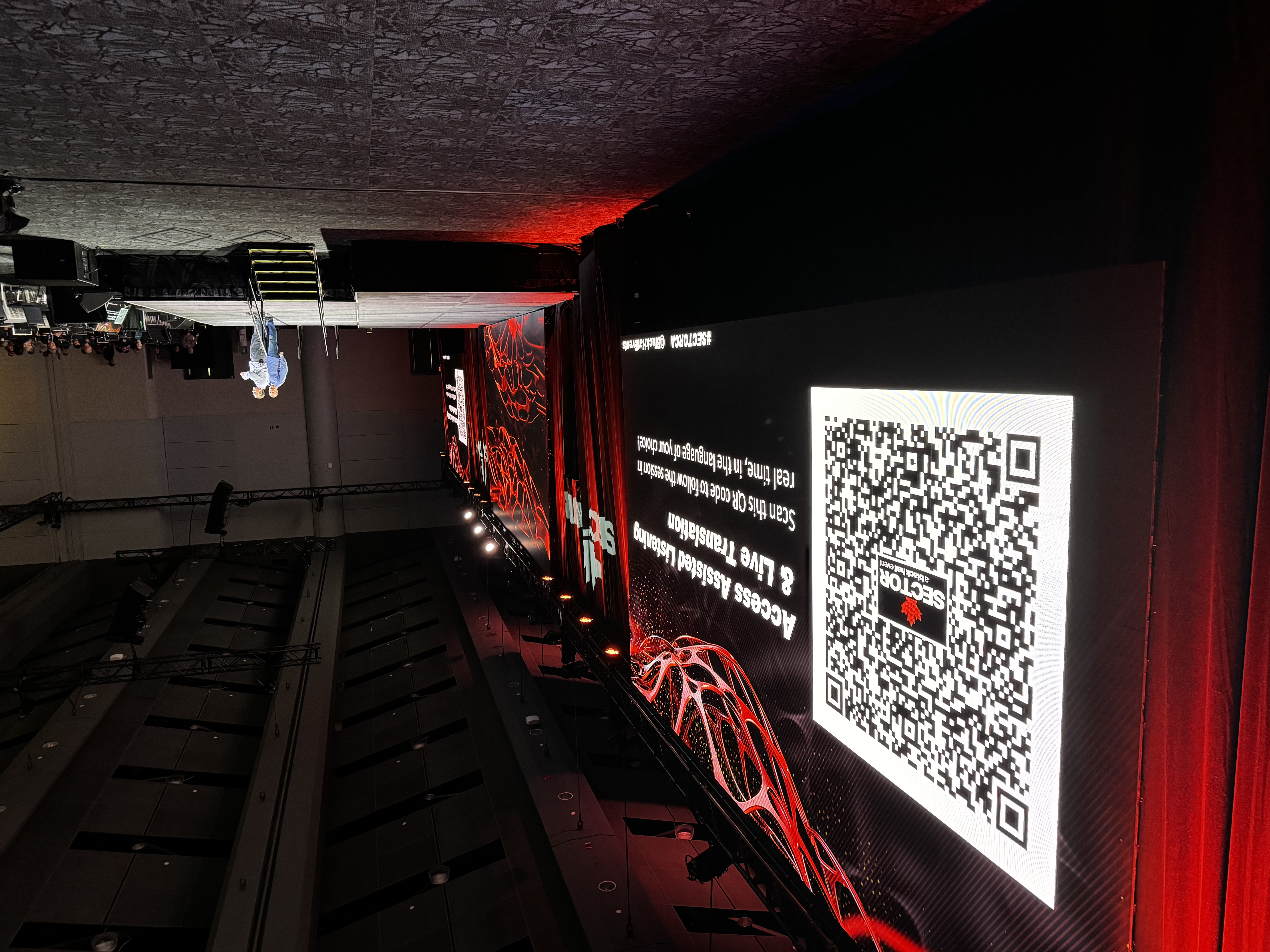
At GDC, Blaze combined conference capture and multilingual GDC Vault delivery with live captions, translation and assistive listening through its Volo service for participating sessions.
GDC · QR translation and closed-caption access signage.
Tell us what you're planning. We'll help you choose the Volo services that fit your audience and event.